
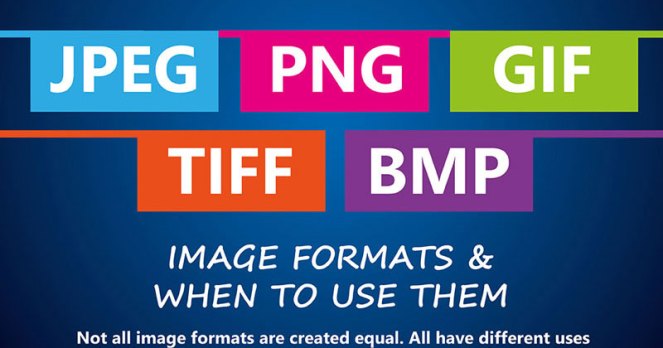
Image file formats can be confusing at the best of times. While JPG, GIF, and TIFF may all sound much the same to you, there are a number of unique differences to each format that can affect the quality of your printed material. When you need to send files through to your printing services provider, it is essential that your files are in the correct format.
To help you better understand each format to see which is best for your project, we have put together a mini guide to image file formats. We hope that this guide clears up any confusion, helping you get the very best possible results once your projects go to print.
How Do Image File Formats Work?
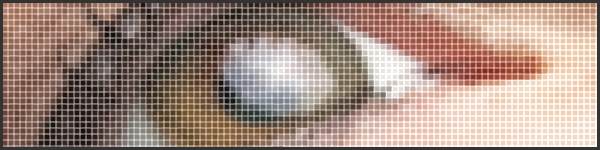
Before we compare the main image file formats, it is good to know how digital images work. Simply put, image formats are used to standardise the way that images are stored and organised. Image files contain data that affects the way that they are displayed in print and on computer screens. Images are comprised of a grid of pixels, each containing a number of bits that determine its colour, equal to the colour depth of the device that is displaying the image.
A Guide to Image File Formats
Now that we have a better understanding of image file formats, which are the most commonly used formats?
JPEG/JPG – Joint Photographic Experts Group
JPEGs or JPGs are one of the most commonly used image files. The quality of these files decreases as the file size decreases. That means that a very large size file may look good, but a reduced version may not look as good. For printing, this is the worst format to use. It works better for web-based projects. Make sure you consider the resolution as well as the file size if you want a decent looking result from JPGs.
GIF – Graphics Interchange Format
Best known in their animated form, which are used all over the internet, GIF files can also be static images. In their simplest form, GIFs are comprised of up to 256 RGB colours. Because they are made up of a limited number of colours, they often have a far smaller file size. For fast loading websites, this file is useful. This format can be useful for simple graphics with only a few colours, such as logos, shapes, and diagrams. Quality is lost when multiple colours are used, however.
TIFF/TIF – Tagged Image File
TIFs are large files that do not lose quality. This format is typically used for printing photographs and other high resolution or large file size documents. Using this type of file for web based projects is never advised, as it will result in extremely slow loading web pages.
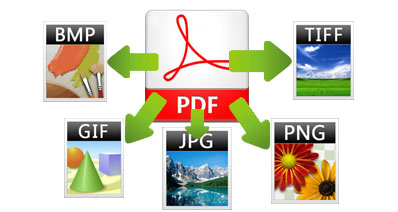
Note – PDF (an original print-ready vector artwork in high quality) can be saved as any of the image file types, however images saved as a PDF will still just be an image and therefore will not be print-ready, high quality vector as required by your printer. You would need to supply a print ready artwork file in PDF or recreate the design into vector/PDF format.
If you are ever unsure about the best format for your project, it is always a good idea to ask an expert. Get in touch with the Minuteman Press Pinetown team today with any questions you may have on image file formats and printing. We will help you find the best format for your printed marketing material in Durban and surrounds.
 Minuteman Press Pinetown